Automaton
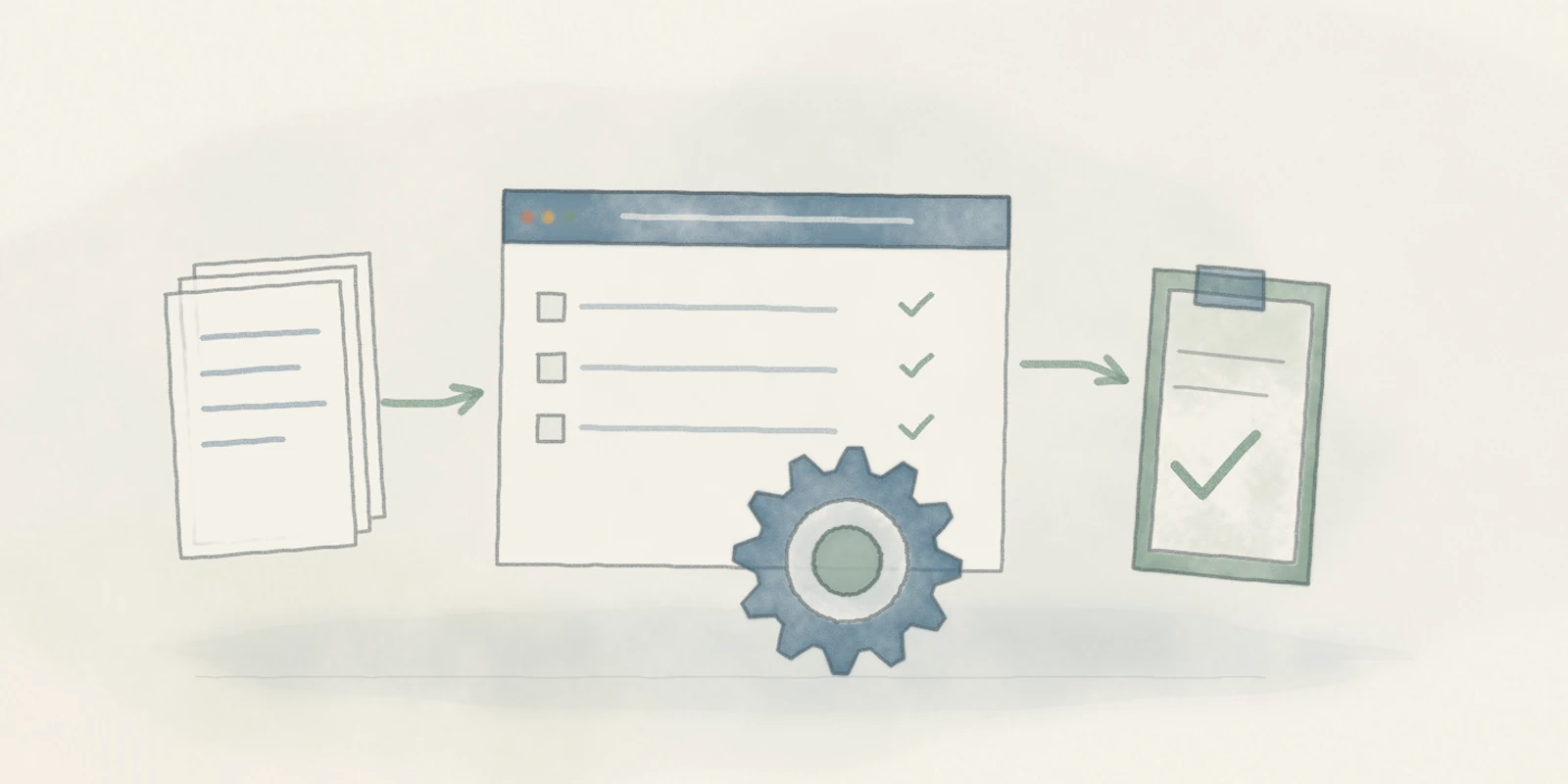
I built Automaton as the solo developer to handle repetitive SAP updates and free time for other work. It combines reusable workflows, a desktop interface, and run records for reviewing outcomes and resuming supported work.
The problem
Making the same SAP change across many records means repeating a sequence of clicks, field edits, and saves. Interrupted batches introduce another problem: knowing what completed before deciding where to continue.
I built Automaton to take that repetitive work off my hands and free time for other tasks, while keeping progress and outcomes visible.
My contribution
As the solo developer, I designed and implemented the project end to end: browser automation, reusable infrastructure, workflow adapters, the desktop interface, run journals, and tests.
As a computer science graduate, I approached Automaton as a software engineering problem. The challenge was to coordinate browser state and workflow-specific behavior while keeping a durable record of execution.
Time for other work
The project’s savings model estimates 76–119.5 hours of manual work avoided across 4,328 recorded row outcomes from April 23 through August 3, 2026.
Automaton handles the repetitive browser steps in batches, freeing me to focus on other tasks. Run records keep outcomes available for review, with supported recovery and resume paths when a run needs attention.
Estimated manual work avoided
76–119.5 hours
Repetitive SAP work handled by automation, freeing time for other tasks.
Cumulative hours
April 23 to August 3, 2026
- Lower estimate: 76 hours
- Upper estimate: 119.5 hours
How the estimate works
The model combines 2,070 component-maintenance outcomes at 90 seconds each with 2,258 material saves at 38.6–108 seconds each. The lower material rate comes from a timed example cited in the project’s report; the upper rate is a practitioner estimate.
These rates were not benchmarked against the same population. Recorded outcomes can include repeat work, so they are not a count of unique records. Setup, monitoring, and review time are not deducted. The range describes estimated repetitive manual work avoided, rather than measured net time savings.
Architecture around what varies
Python and Selenium drive an existing, signed-in Chrome session. A PySide6 desktop interface and command-line tools use the same underlying workflows.
I separated workflow orchestration from browser adapters and shared infrastructure. Common services handle page readiness, record processing, and recovery. Each adapter retains the rules for identifying records, editing fields, and confirming its workflow’s result.
This boundary makes reuse practical: a new workflow can share infrastructure while keeping its own behavior explicit.
01 / System structure
Separate policy from browser mechanics
- Operator interface / Command lineSelect the work to run.
- Workflow orchestrationCoordinate the record loop and workflow actions.Run journalsKeep recorded outcomes available for supported resume behavior.Record outcomes; resume supported work.
- Workflow adapterTranslate workflow actions into browser operations.
- Shared browser servicesPage readiness, record processing, and recovery.
- Signed-in browserInteract with the enterprise application.
- SAPThe system where changes are made.
02 / Field-update decisions
Check before changing a record
- Read current valueInspect the field before editing.
- Compare with intended valueDecide whether a change is needed.
Already matches
Change needed
- EditApply the intended changes.
- SaveUse the workflow's save rules.
- Confirm workflow resultUse the checks supported by that workflow.
- Record outcomeWrite the result to the run journal.
Supported recovery paths can discard a stranded draft or restore a session. Other failures stop for operator review.
Business-specific field names, record identifiers, and environment details are redacted. The diagrams use generic labels to show the system structure.
Recording execution
Run journals capture outcomes and provide checkpoints for supported resume paths. They help distinguish completed work from skipped, failed, or interrupted steps.
I kept workflow-specific journal semantics alongside shared persistence mechanisms. Different workflows can preserve the evidence they need without forcing every operation into the same recovery model.
Supported recovery paths can discard a stranded draft or restore a session. Some failures require operator review before continuing.
Correctness and verification
- Offline tests exercise input handling, workflow logic, journals, and interface behavior without a live SAP connection.
- Separate live checks establish whether SAP displayed the expected screen and persisted a change.
Keeping these checks distinct makes the evidence easier to interpret.
The result and takeaway
Automaton combines batch execution, an operator interface, and resumable run records in one tool for SAP data maintenance.
The engineering takeaway is to share stable behavior and preserve meaningful differences. Explicit workflow boundaries, execution records, and verification steps make the automation easier to extend and inspect.